What Is Software? Types, Uses and the Most Widely Used Software Worldwide
What is software and what are its types? A complete guide to CRM, ERP, warehouse tracking, inventory management, web and mobile apps, and custom software.
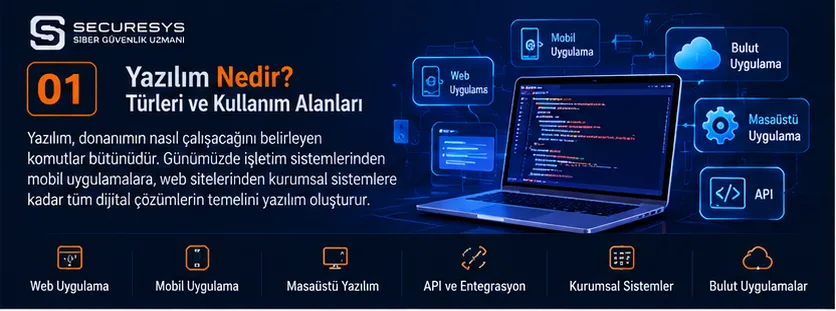
What Is Software?
Software is the whole of programmes, instructions, data structures and related components that enable computers, mobile devices, servers and other electronic systems to perform specific tasks.
Today, software is no longer limited to programmes that run on computers. It is used across a very wide range of fields, from banking transactions to e-commerce, from customer management to warehouse operations, and from production tracking to healthcare services.
A CRM application that a business uses to keep track of its customers, an inventory tracking programme it uses to manage its products, or a warehouse management system it uses to control its orders are all examples of enterprise software solutions.
Software helps businesses digitalise processes that they run manually, reduce data loss, speed up their operations and make better-informed decisions.
Quick facts about software
| Question | Short answer |
|---|---|
| What is software? | The programmes and components that enable electronic systems to perform their tasks. |
| What is software used for? | It automates operations, processes data and manages processes. |
| What are the types of software? | System, application, web, mobile, desktop, embedded and enterprise software. |
| What is enterprise software? | Software that businesses use to manage their business processes. |
| What is CRM software? | It manages customer relationships, sales and communication processes. |
| What is ERP software? | It integrates a business's various resources and processes. |
| What is inventory tracking software? | It tracks product quantities and stock movements. |
| What is warehouse tracking software? | It manages the products, locations and operations inside a warehouse. |
| What is custom software? | Software developed to meet the needs of a particular organisation. |
1. How Does Software Work?
For software to work, instructions that perform specific tasks must be prepared and executed in a suitable runtime environment.
A simplified software system may include a user interface, business logic, data processing and data storage components.
Example: Inventory tracking software
A warehouse employee enters a new product into the system.
The inventory tracking software records the product's barcode, quantity, warehouse location and transaction date.
The data is written to the relevant database.
Authorised users can view the current stock quantity.
Alerts can be generated for products that fall below defined thresholds.
In this way, a more traceable process takes the place of manual records.
2. What Is the Difference Between Software and Hardware?
Hardware refers to the physical components of computers and electronic systems.
Software, on the other hand, covers the programmes that run on hardware and perform specific functions.
| Hardware | Software |
|---|---|
| Processor | Operating system |
| Memory | Database management system |
| Hard disk | File management software |
| Barcode reader | Barcode-based inventory tracking programme |
| Mobile device | Mobile CRM application |
| Server | ERP software |
Example
A barcode reader is physical hardware.
The system that identifies which product a scanned barcode belongs to, updates the stock quantity and records the warehouse movement is software.
3. What Are the Types of Software?
Software can be examined in different categories according to its purpose and the environment in which it runs.
Main types of software
- System software
- Application software
- Web applications
- Mobile applications
- Desktop software
- Enterprise software
- Cloud-based software
- Embedded software
- Industrial software
- AI-powered software
These categories are not mutually exclusive.
For example, a CRM application can be enterprise software, a web application and a SaaS service all at the same time.
4. What Is System Software?
System software manages the basic functions of computers and electronic devices.
Examples
Windows.
Linux.
macOS.
Android.
iOS.
Device drivers.
System management tools.
Areas of use
Management of hardware resources.
File operations.
Memory management.
Running applications.
Network connections.
System security.
5. What Is Application Software?
Application software is developed so that users can carry out specific tasks.
Examples
Accounting programme.
CRM software.
Inventory tracking programme.
Warehouse management system.
Project tracking software.
Human resources software.
E-commerce application.
Example
A sales team can record customer meetings in CRM software and track its quotation and sales processes.
6. What Is a Web Application?
A web application is a software system that users usually access through an internet browser and through which they can carry out transactions.
Web applications can be delivered over the internet or over an internal corporate network.
Examples of web applications
Web-based CRM.
Online accounting programme.
Warehouse tracking software.
Inventory management system.
Project management application.
E-commerce management panel.
Human resources portal.
Advantages
Centralised updates.
Access from different devices.
Centralised data management.
Ease of integration.
Scalable architecture options.
Example
A business has three warehouses in Ankara, Istanbul and Izmir.
With web-based warehouse tracking software, authorised employees can manage the stock movements in all the warehouses through a central system.
7. What Is a Mobile Application?
A mobile application is software that runs on devices such as smartphones and tablets.
Types of mobile applications
Android applications.
iOS applications.
Cross-platform applications.
Areas of use
Mobile banking.
Mobile CRM.
Field service management.
Mobile warehouse tracking.
Barcode-based stock counting.
Order management.
Example
A field sales representative can record a customer visit in a mobile CRM application.
Visit notes, quotation requests and tasks can be transferred to the central system.
8. What Is Desktop Software?
Desktop software consists of applications that are installed on and run from a computer.
Examples
Accounting applications.
Design programmes.
Engineering software.
Local inventory tracking programmes.
Industrial control applications.
Advantages
Direct integration with specific hardware.
Local operation options.
Support for specialised peripherals.
Limitations
Management of installation and updates.
Device dependency.
The need for central management in distributed teams.
9. What Is Enterprise Software?
Enterprise software is the set of software solutions that businesses use to run their operational, financial, administrative and managerial processes in a digital environment.
Enterprise software can allow different departments to work on the same data.
Examples of enterprise software
CRM.
ERP.
WMS.
HRM.
MES.
DMS.
BI.
Project management.
Procurement management.
Service management.
Example
In a business, the sales team uses a CRM.
The warehouse team uses inventory tracking software.
The accounting team works in an ERP.
By integrating these systems, a more unified process can be built from order to invoice.
10. What Is CRM Software?
CRM (Customer Relationship Management) stands for customer relationship management.
CRM software helps businesses manage their existing and potential customers, sales opportunities, quotations and customer communications.
Core features of CRM software
Customer records.
Lead management.
Sales opportunities.
Quotation management.
Order tracking.
Task management.
Customer interaction history.
Sales reports.
Who is CRM software suitable for?
Sales teams.
Service companies.
Software companies.
Consulting firms.
Manufacturing businesses.
Technical service companies.
Example
A software company received a request from a customer to develop a custom CRM.
In the CRM system, customer records, opportunities, quotations, contracts, projects and invoicing processes can be linked to one another.
11. The Difference Between CRM Software and Project Tracking Software
CRM focuses mainly on customer relationships and sales processes.
Project tracking software, on the other hand, manages the planning and execution of approved work.
| Feature | CRM | Project Tracking Software |
|---|---|---|
| Customer management | Core feature | Related feature |
| Sales opportunities | Core feature | Usually secondary |
| Quotation management | Common | Can be provided through integration |
| Task management | May be available | Core feature |
| Project planning | Limited or modular | Core feature |
| Resource planning | Varies by product | Common |
| Project progress tracking | Varies by product | Core feature |
Integrated CRM and project management
In modern enterprise software, CRM and project management can be combined on a single platform.
For example, a project record can be created automatically when a sales opportunity is approved.
This structure is particularly useful for companies that work on a service and project basis.
12. What Is ERP Software?
ERP (Enterprise Resource Planning) stands for enterprise resource planning.
ERP software helps a business manage its different business processes in an integrated way.
ERP modules
Accounting.
Finance.
Procurement.
Sales.
Inventory management.
Warehouse management.
Production.
Human resources.
Reporting.
Benefits of ERP software
Centralised data management.
Integration between departments.
Operational visibility.
Standardisation of business processes.
Reporting.
Example
The sales team enters a customer order into the system.
The ERP checks the stock status.
A procurement or production process can be started for the products that are needed.
Once the order is completed, the invoicing process can be supported.
13. What Is Inventory Tracking Software?
Inventory tracking software is software used to monitor a business's product and material quantities, stock receipts and issues, and inventory movements.
Inventory tracking programmes can be used at different scales, from small businesses to large manufacturers.
Core features
Product cards.
Stock quantity.
Stock receipts and issues.
Minimum stock level.
Barcode management.
Serial number.
Lot tracking.
Stock reports.
Example
A business has 2,000 different product items.
Inventory tracking software helps monitor the quantities and movements of the products centrally.
14. What Is Warehouse Tracking Software?
Warehouse tracking software is a software solution that enables the management of operations from the moment products are received into the warehouse until they are dispatched.
Warehouse tracking software can track not only product quantities but also which warehouse and which location a product is in.
Features of warehouse tracking software
Goods receipt.
Warehouse location management.
Shelf management.
Product putaway.
Order picking.
Packing.
Shipping.
Stock counting.
Returns management.
Example
A logistics business has warehouses in different cities.
A warehouse management system can manage product locations and warehouse operations centrally.
15. What Is a WMS?
WMS (Warehouse Management System) stands for warehouse management system.
A WMS is a type of enterprise software that supports the planning and execution of warehouse operations.
WMS features
Warehouse layout management.
Shelf and location tracking.
Barcode and RFID.
Order picking.
Goods receipt.
Shipping.
Warehouse performance reports.
The difference between a WMS and an inventory tracking programme
An inventory tracking programme usually focuses on product quantities and movements.
A WMS, on the other hand, manages the physical operations inside the warehouse in greater detail.
Example
In an e-commerce warehouse, the same product can be stored on different shelves.
A WMS can help determine which shelf an order should be picked from.
16. What Is Barcode-Based Inventory Tracking Software?
Barcode-based inventory tracking software enables products to be recorded and tracked using barcodes or QR codes.
Areas of use
Retail.
Warehousing.
Manufacturing.
Logistics.
Technical service.
E-commerce.
Example
The barcode of a product arriving at the warehouse is scanned.
The system identifies the product card.
The quantity and warehouse location are recorded.
In this way, some of the errors that can arise from manual data entry can be reduced.
17. What Is Project Management Software?
Project management software enables a project to be planned, its tasks to be tracked and its progress to be monitored.
Core features
Project cards.
Task management.
Assignment of owners.
Start and end dates.
Project phases.
Progress tracking.
Document links.
Reporting.
Example
A software company is developing a custom warehouse tracking system for a customer.
In project management software, the analysis, design, development, testing and go-live phases can be tracked as separate tasks.
18. What Is Human Resources Software?
Human resources software enables the management of administrative processes related to employees.
Areas of use
Personnel records.
Leave management.
Performance evaluation.
Training tracking.
Recruitment.
Organisation management.
Example
An organisation can manage employee leave requests through a digital system.
19. What Is Production Tracking Software?
Production tracking software supports the planning and monitoring of production activities.
Core features
Work orders.
Production planning.
Material tracking.
Production stages.
Quality control.
Production reports.
Example
A manufacturing business can use software to track which production stage an ordered product is currently at.
20. What Is MES Software?
MES (Manufacturing Execution System) stands for manufacturing execution system.
MES software focuses on monitoring and managing production operations.
MES areas of use
Production orders.
Machine status.
Operation tracking.
Quality data.
Production performance.
The difference between ERP and MES
While ERP manages broader business resources, MES focuses on operations on the shop floor.
21. What Is E-Commerce Software?
E-commerce software is an application that supports the sale of products and services through digital channels.
Core features
Product catalogue.
Shopping basket.
Order management.
Payment integration.
Shipping integration.
Customer management.
E-commerce and inventory integration
E-commerce software can be integrated with an inventory tracking system.
The stock quantity can be updated when an order is created.
Warehouse tracking software can manage the shipping process.
22. What Is Accounting and Finance Software?
Accounting software supports a business in managing its financial records and related transactions.
Areas of use
Current accounts.
Invoices.
Collections.
Payments.
Income and expenses.
Financial reporting.
Example
The invoice details of a sale approved in the CRM can be transferred to the accounting system.
23. What Is Document Management Software?
Document management systems are used to store and classify corporate documents and to manage access to them.
Example documents
Quotation.
Contract.
Order form.
Project plan.
Report.
Certificate.
Example
Project tracking software can link the relevant project documents to a central document management system.
24. What Is Business Intelligence Software?
BI (Business Intelligence) stands for business intelligence.
Business intelligence software supports the analysis and visualisation of data held in different systems.
Example reports
Sales performance.
CRM opportunity analysis.
Inventory turnover.
Warehouse performance.
Project profitability.
Customer analysis.
Example
A management dashboard can be created by combining data from the CRM, ERP and inventory tracking software.
25. What Is SaaS Software?
SaaS (Software as a Service) is a delivery and usage model in which software is provided as a service.
Users usually access the software over the internet.
SaaS examples
Cloud CRM.
Online project management.
Cloud accounting.
Web-based inventory tracking.
Warehouse management.
Advantages
Centralised maintenance.
Subscription model.
Scalability.
Access from different locations.
Points to consider
Data security.
Service continuity.
Vendor dependency.
Integration.
Data portability.
26. The Difference Between Cloud-Based Software and Local Software
| Criterion | Cloud-Based | Local / On-Premise |
|---|---|---|
| Infrastructure | Cloud environment | Environment managed by the organisation |
| Access | Depends on network connectivity | Local or remote, depending on the architecture |
| Maintenance | Varies by service model | Usually a greater responsibility for the organisation |
| Scalability | Flexible options | Depends on infrastructure capacity |
| Control | Shared responsibility model | More direct infrastructure control |
Key point
Neither the cloud nor the on-premise option is more secure or more economical under all conditions.
The decision should be made according to the organisation's needs.
27. What Is Custom Software Development?
Custom software development is the design and development of software according to an organisation's specific needs and business processes.
Off-the-shelf software is prepared for general usage scenarios.
Custom software, on the other hand, can be adapted to specific business processes.
Custom software examples
Custom CRM software.
Custom ERP module.
Warehouse tracking software.
Inventory management system.
Project tracking application.
Quotation and order management.
Field service application.
Example
A business's sales, project, procurement and invoicing processes may be unique to it.
With custom software development, these processes can be brought together on a single platform.
28. Off-the-Shelf Software or Custom Software?
| Criterion | Off-the-Shelf Software | Custom Software |
|---|---|---|
| Time to start | Usually shorter | A development process is required |
| Customisation | Limited by the product's boundaries | Can be designed around the needs |
| Initial cost | Varies by product | A development investment may be required |
| Integration | May be limited to existing connections | Custom integrations can be developed |
| Maintenance | Vendor or service provider | Depends on the contract and the architecture |
When deciding
How specific are the business processes?
Does off-the-shelf software meet the requirements?
Is there a need for integration?
Is data portability important?
How will long-term maintenance be provided?
29. How Does the Software Development Process Work?
Software development does not consist of writing code alone.
Core stages
- Requirements analysis
- Business analysis
- Technical design
- UI/UX design
- Software development
- Testing
- User acceptance testing
- Go-live
- Maintenance and improvement
Example
If warehouse tracking software is to be developed, the warehouse processes are analysed first.
The needs for goods receipt, shelf management, stock counting and shipping are identified.
The system is then designed, developed and tested.
30. Which Languages Are Used in Software Development?
Different programming languages can be used for software development.
Common languages
Python.
Java.
C#.
JavaScript.
TypeScript.
PHP.
C++.
Go.
Rust.
Swift.
Kotlin.
Example areas of use
| Language | Common use |
|---|---|
| Python | Backend, automation, data analysis, artificial intelligence |
| Java | Enterprise applications, backend, existing projects in the Android ecosystem |
| C# | .NET applications, enterprise software |
| JavaScript | Web interfaces and backend |
| TypeScript | Large web applications |
| PHP | Web applications and content management systems |
| Swift | iOS applications |
| Kotlin | Android applications |
| Go | Backend and infrastructure services |
| Rust | Systems programming and performance-focused applications |
Key point
The suitability of a programming language for a particular project should not be determined by its popularity alone.
Technical requirements, team competence and maintenance needs should be taken into account.
31. What Are Frontend and Backend?
Frontend
It is the interface layer that the user interacts with directly.
Backend
It is the layer that carries out business rules, data operations and server-side functions.
Example
In CRM software, the customer registration screen is a frontend component.
Validating the customer record and saving it to the database can be performed by the backend.
32. What Is an API?
An API (Application Programming Interface) is an interface that enables different software systems to communicate with each other according to defined rules.
API usage examples
CRM–ERP integration.
Inventory tracking–e-commerce integration.
Warehouse–shipping integration.
Accounting–invoicing integration.
Mobile application–backend communication.
Example
An order was created on the e-commerce site.
The order details can be passed to the warehouse tracking software through the API.
The warehouse system can then move the order into the preparation process.
33. What Is a Database?
A database is a system that enables data to be stored and managed within a defined structure.
Common databases
PostgreSQL.
Microsoft SQL Server.
MySQL.
Oracle Database.
MongoDB.
Example
In CRM software, customer information, quotations and interaction records can be kept in the database.
Critical point
Database security, access control, backup and data integrity are important parts of software design.
34. Software Categories Widely Used Around the World
Businesses around the world use a variety of software categories for different needs.
Common categories
Office and productivity software.
CRM systems.
ERP systems.
Accounting software.
Human resources software.
E-commerce platforms.
Warehouse and inventory management.
Project management.
Business intelligence.
Cyber security software.
Key point
This list shows common software categories.
It is not an exact worldwide ranking of how widely the categories are used.
Usage rates vary by sector, country and business size.
35. Well-Known Enterprise Software Platforms Worldwide
The enterprise software ecosystem includes a large number of platforms that focus on different areas.
CRM examples
Salesforce.
Microsoft Dynamics 365.
HubSpot.
Zoho CRM.
ERP examples
SAP.
Oracle Fusion Cloud ERP.
Microsoft Dynamics 365.
Odoo.
Project management examples
Jira.
Asana.
Trello.
Monday.com.
Warehouse and inventory management
SAP EWM.
Oracle Warehouse Management.
Microsoft Dynamics 365 Supply Chain Management.
Odoo Inventory.
Key point
These platforms are given as examples.
This does not mean that the same software is the best fit for every organisation.
36. Which Software Is Used in Which Sectors?
| Sector | Software examples |
|---|---|
| Retail | POS, inventory tracking, CRM |
| Logistics | WMS, warehouse tracking, shipping |
| Manufacturing | ERP, MES, production tracking |
| Services | CRM, project tracking, service management |
| Healthcare | Hospital information management, appointments |
| Education | Student information system, LMS |
| Finance | Banking, risk management, reporting |
| E-commerce | Orders, inventory, warehouse, CRM |
| Construction | Project management, resource planning |
| Technology | CRM, project management, DevOps |
37. Why Is Software Integration Important?
When a business uses different software systems, the same data may have to be entered over and over again.
This can create an operational burden.
Integration examples
CRM and ERP.
ERP and inventory tracking.
Inventory tracking and warehouse management.
Warehouse management and e-commerce.
Project management and accounting.
Example
A sale approved in the CRM can create a new project in the project management system.
The products that are needed can be checked in the inventory tracking software.
Invoicing details can be transferred to the accounting system.
In this way, an end-to-end workflow can be established.
38. Why Is Software Security Important?
Enterprise software can process customer, financial and operational data.
For this reason, software security is an important part of the development process.
Security areas
Authentication.
Authorisation.
Encryption.
Secure APIs.
Source code analysis.
Penetration testing.
Logging.
Backup.
Example
In CRM software, each user should be able to access only the customer records they are authorised to see.
The absence of this control can create a data security risk.
39. What Is DevOps?
DevOps is an approach that supports collaboration, automation and continuous improvement between software development and operations teams.
DevOps processes
Version control.
Automated builds.
Automated testing.
CI/CD.
Deployment.
Monitoring.
Example
When a new feature is added to CRM software, automated testing and deployment processes can support the development work.
40. What Is DevSecOps?
DevSecOps aims to integrate security practices into software development and operations processes as part of a single whole.
DevSecOps components
Secure coding.
SAST.
DAST.
SCA.
Secret scanning.
CI/CD security.
Container security.
Example
A new version of a warehouse tracking application is being prepared.
Source code analysis and dependency security checks can be carried out during the development process.
Critical point
Security should not be viewed merely as a test carried out after the software has been completed.
41. How Is Artificial Intelligence Affecting Software Development?
AI-powered tools are being used for different purposes in software development processes.
Areas of use
Code suggestions.
Test scenario preparation.
Documentation.
Error analysis.
Code review support.
Data analysis.
Example
A developer can prepare the first draft of a reporting function to be used in a CRM application with AI-powered tools.
Points to consider
The generated code must be verified.
Security tests must be carried out.
Confidential data must be protected.
Licensing and intellectual property terms must be assessed.
42. What Should You Consider When Choosing Software?
The suitability of software should not be assessed by its price or number of features alone.
Evaluation criteria
Business needs.
Number of users.
Scalability.
Integration.
Security.
Performance.
Maintenance.
Support.
Total cost of ownership.
Example
If a business only wants to track stock quantities, it may not need a comprehensive WMS.
However, if it has multiple warehouses, barcodes, shelf locations and an intensive shipping operation, more advanced warehouse management software may be required.
43. How Should a Custom Software Project Be Planned?
A successful custom software project should start with clear requirements.
Planning stages
Business needs.
Scope.
User roles.
Integrations.
Technical architecture.
Project schedule.
Test criteria.
Go-live.
Maintenance.
Example
A company wants to develop custom CRM and project tracking software.
In the first stage, the customer records, quotation, order, project, procurement and invoicing processes should be defined.
After that, it can be planned which modules will be included in the first release.
44. How Is the Cost of Software Development Determined?
The cost of software development depends on many variables.
Key factors
Project scope.
Number of users.
Technical complexity.
Integrations.
Design.
Security requirements.
Testing.
Maintenance.
Example
The development effort for a simple inventory tracking programme differs from that for a WMS solution with multiple warehouses, barcodes, ERP integration and a mobile application.
Key point
A requirements analysis should be carried out in order to make a sound cost assessment.
45. SECURESYS Software Development and Enterprise Application Solutions
SECURESYS provides analysis, design, development, integration and security services for organisations' digital transformation and software needs.
Custom Software Development
Software solutions tailored to organisations' business processes can be designed and developed.
Web Application Development
Enterprise web applications, management panels and business process applications can be developed.
Mobile Application Development
Mobile solutions for the Android and iOS platforms can be built.
CRM Software
Solutions for customer, quotation, sales, order and project management processes can be developed.
Warehouse Tracking and Inventory Management
Software solutions can be built for warehouse operations, product movements, barcode-based inventory tracking and inventory management.
ERP and API Integrations
Data exchange and business process integrations between different enterprise systems can be supported.
Software Project Management
Analysis, development, testing and go-live processes can be planned.
DevOps and DevSecOps
The automation of software development processes and the inclusion of security controls in the development lifecycle can be supported.
Software Security Testing
Source code analysis, web application tests, mobile application tests and API security assessments can be carried out.
In the SECURESYS approach, software development is not merely about producing a working application; it is about delivering a digital solution that is secure, sustainable, integrated and extensible, and that fits the real needs of the business.
Frequently Asked Questions (FAQ)
1. What is software?
It is the programmes and components that enable computers and electronic systems to perform specific tasks.
2. What are the types of software?
System, application, web, mobile, desktop, enterprise, embedded and cloud-based software are among the main types.
3. What is enterprise software?
It is the software that businesses use to manage processes such as sales, finance, inventory, warehousing, human resources and projects.
4. What is CRM software?
It is software that enables the management of customer relationships, sales opportunities, quotations and communication processes.
5. What is ERP software?
It is software that helps a business manage its different resources and processes in an integrated way.
6. What is inventory tracking software?
It is software used to monitor product quantities and stock movements.
7. What is warehouse tracking software?
It is software that helps manage product locations, receipts and issues, and operations inside a warehouse.
8. What is a WMS?
It stands for Warehouse Management System.
9. What is a web application?
It is a software application that is usually accessed through a browser and lets users carry out transactions.
10. What is a mobile application?
It is software that runs on mobile devices such as smartphones and tablets.
11. What is SaaS?
It is a usage and delivery model in which software is provided as a service.
12. What is custom software development?
It is the design and development of software according to an organisation's needs.
13. Should you choose off-the-shelf software or custom software?
The decision depends on business needs, customisation requirements, budget and long-term maintenance conditions.
14. What is an API?
It is an interface that enables different software systems to communicate with each other according to defined rules.
15. What are frontend and backend?
Frontend refers to the user interface, while backend refers to the server-side business logic and data operations.
16. Which languages are used in software development?
Different languages can be used, such as Python, Java, C#, JavaScript, TypeScript, PHP, Go, Rust, Swift and Kotlin.
17. How long does software development take?
It varies depending on the project's scope, complexity, integrations and team capacity.
18. What is DevOps?
It is an approach that supports collaboration and automation in software development and operations processes.
19. What is DevSecOps?
It is the integration of security practices into software development and operations processes as part of a single whole.
20. What should you consider when choosing a software company?
Technical competence, project management, security approach, references, maintenance support and contract terms should be assessed.
Conclusion: Why Is Software Important for Businesses?
Software is one of the fundamental tools through which modern businesses manage their operational processes.
CRM software can improve customer relationships.
ERP software can integrate the processes of different departments.
Inventory tracking software can make it possible to monitor product movements.
Warehouse tracking software can support logistics operations.
Project management software can make it easier to plan and track work.
Web and mobile applications can give employees and customers access to digital services.
API integrations can support data exchange between different systems.
DevOps and DevSecOps approaches can contribute to running software development processes in a more controlled and secure way.
The right software solution should not only meet the business's current needs but also support its future growth, integration and security requirements.
Sources and References
NIST – Secure Software Development Framework: https://csrc.nist.gov/projects/ssdf
OWASP – Web Security Testing Guide: https://owasp.org/www-project-web-security-testing-guide/
CNCF – Cloud Native Computing Foundation: https://www.cncf.io
GitHub – The Software Development Ecosystem: https://github.com
Stack Overflow Developer Survey: https://survey.stackoverflow.co
MDN Web Docs: https://developer.mozilla.org
Related Articles
Software Development, Enterprise Applications & DevSecOps
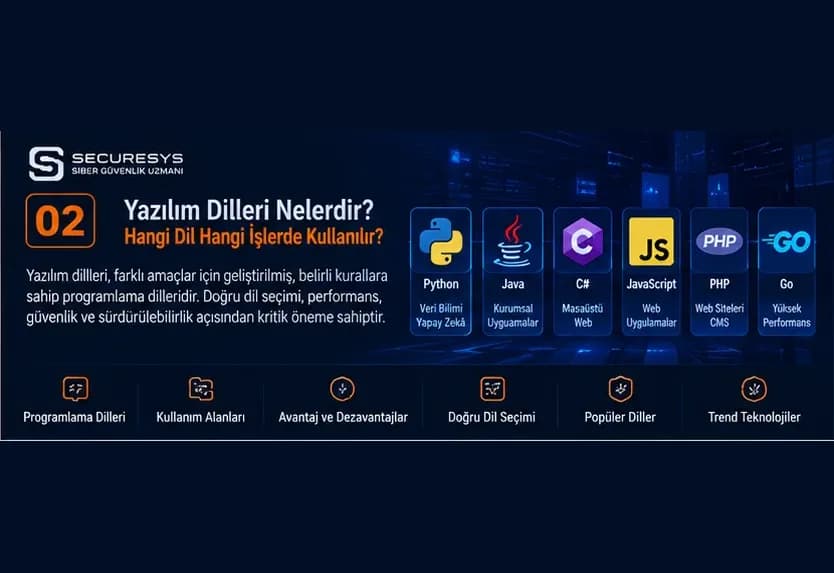
Programming Languages Explained: What Is Each One Used For?
What are programming languages? Learn what Python, Java, C#, PHP, JavaScript and others are used for, with CRM, ERP and inventory software examples.
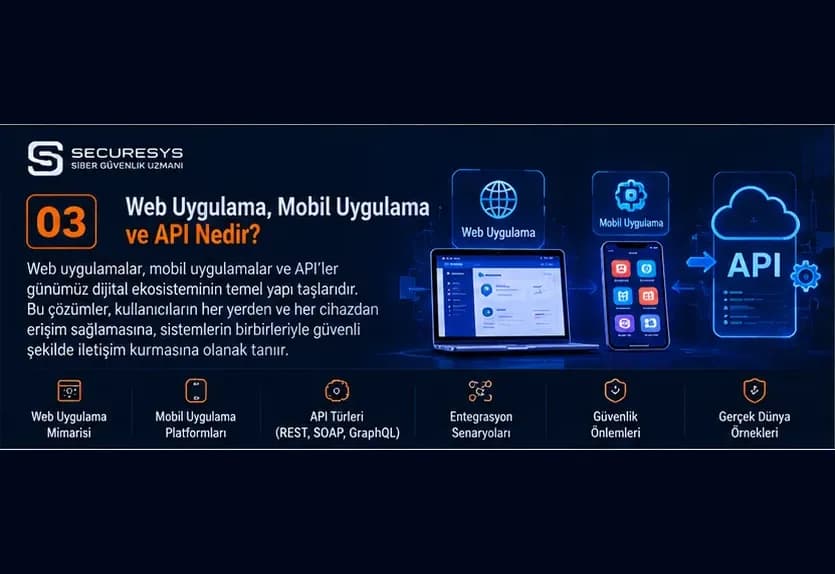
What Is a Web Application? A Guide to Web-Based Software, Frontend and Backend Development
What is a web application? Explore frontend, backend, APIs, databases, cloud architecture and how CRM, ERP, warehouse and inventory software is developed.
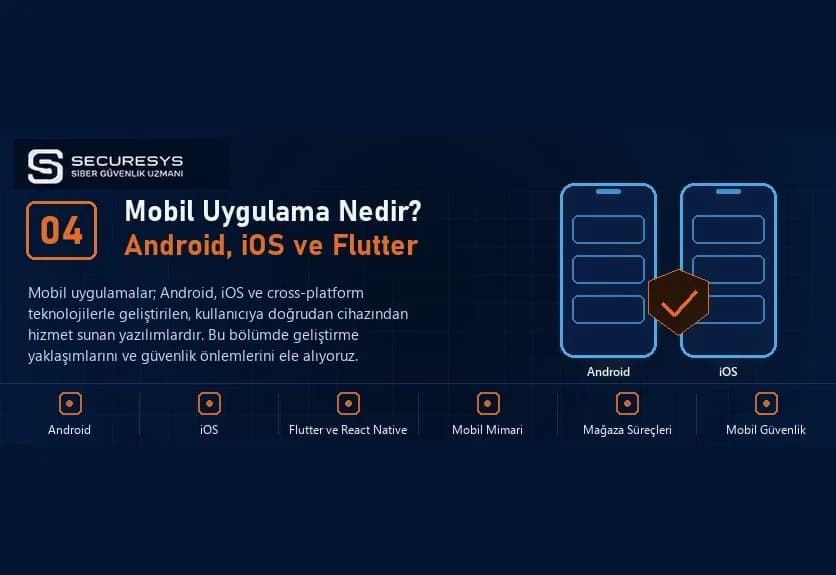
What Is a Mobile App? A Guide to Android, iOS and Cross-Platform Mobile Software Development
What is a mobile app and how is it developed? Explore Android, iOS, Flutter, React Native, mobile CRM, warehouse tracking and inventory software.
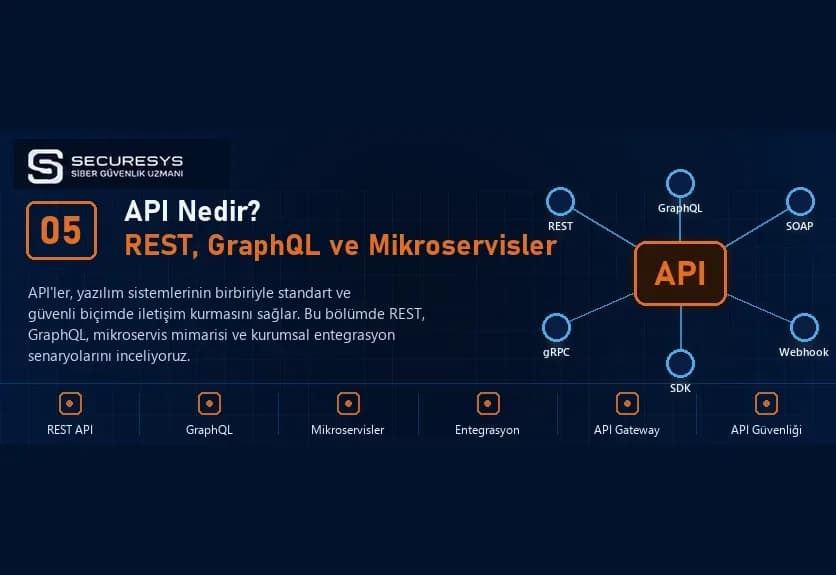
What Is an API? REST API, GraphQL, Microservices and Enterprise Software Integrations
What is an API and how does it work? A guide to REST API, SOAP, GraphQL, webhooks, microservices, CRM–ERP integration, inventory management and API security.
What Is CRM Software? A Guide to Customer Tracking, Sales Management, Quotation and Project Tracking Systems
What is CRM software? Explore customer tracking, sales, quotations, orders, contracts, project management, ERP integration and custom CRM development.
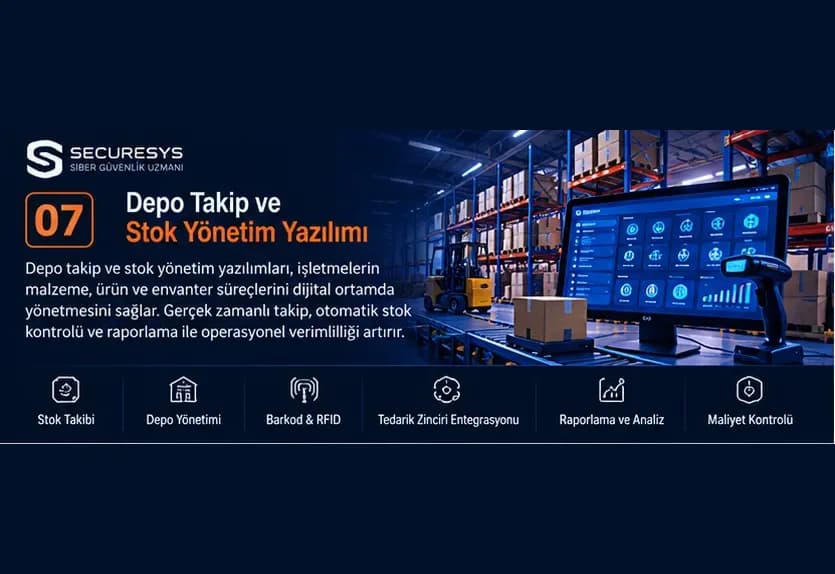
What Is Warehouse Tracking and Inventory Management Software? A Guide to WMS, ERP, Barcodes and Inventory Control
What is warehouse tracking software? Explore WMS, barcode, RFID, ERP integration, multi-warehouse and inventory management in our complete guide.
Looking for professional support on this topic?
Our expert team will reach out for a free consultation as soon as possible.